Leads, callbacks, and quotes are slipping
Start here when the obvious pain is missed demand, slow follow-up, stale quotes, or prospects disappearing after the first touch.
View this leak
Examples
The assessment turns a live call into a practical deliverable: what is leaking money, what to fix first, what each fix is worth, and which larger systems deserve separate scope.
Start with the leak you recognize
These focused pages are not separate products. They are concrete ways into the same Kowal AI Assessment when one workflow problem is already obvious.
Start here when the obvious pain is missed demand, slow follow-up, stale quotes, or prospects disappearing after the first touch.
View this leak
Start here when recurring reports, spreadsheets, stale dashboards, and status updates are eating time or hiding decisions.
View this leak
Start here when customer requests, approvals, vendor questions, and owner summaries are buried in noisy inboxes.
View this leak
Start here when proposals, estimates, onboarding packets, and handoffs depend on copied notes and memory.
View this leak
Start here when decisions, rules, project history, and source-of-truth links live across folders, inboxes, tools, and memory.
View this leak
Process map
See how the assessment moves from the first call to quick wins, ranked recommendations, review, and future enhancements when the business case is clear.
[View Flow]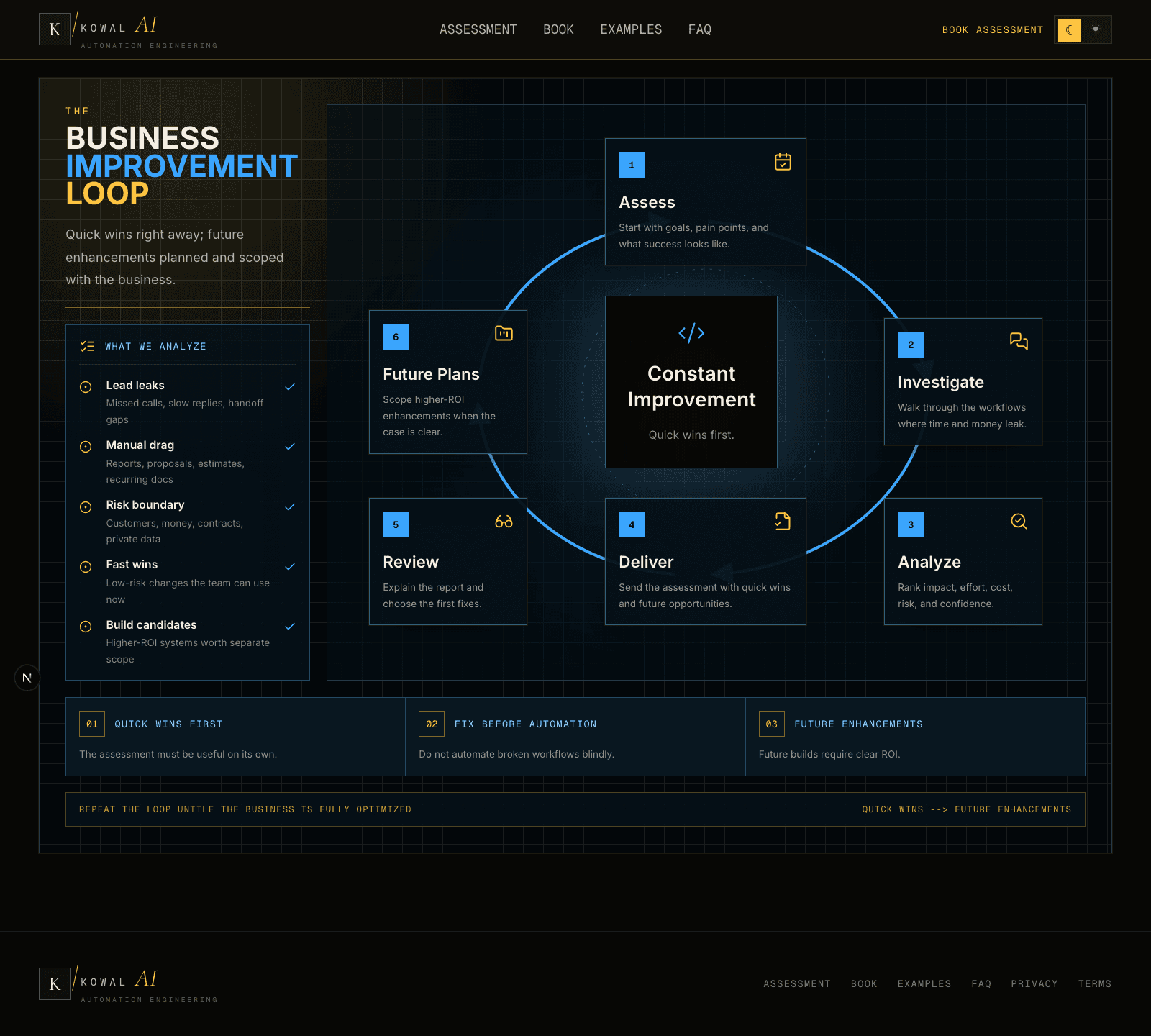
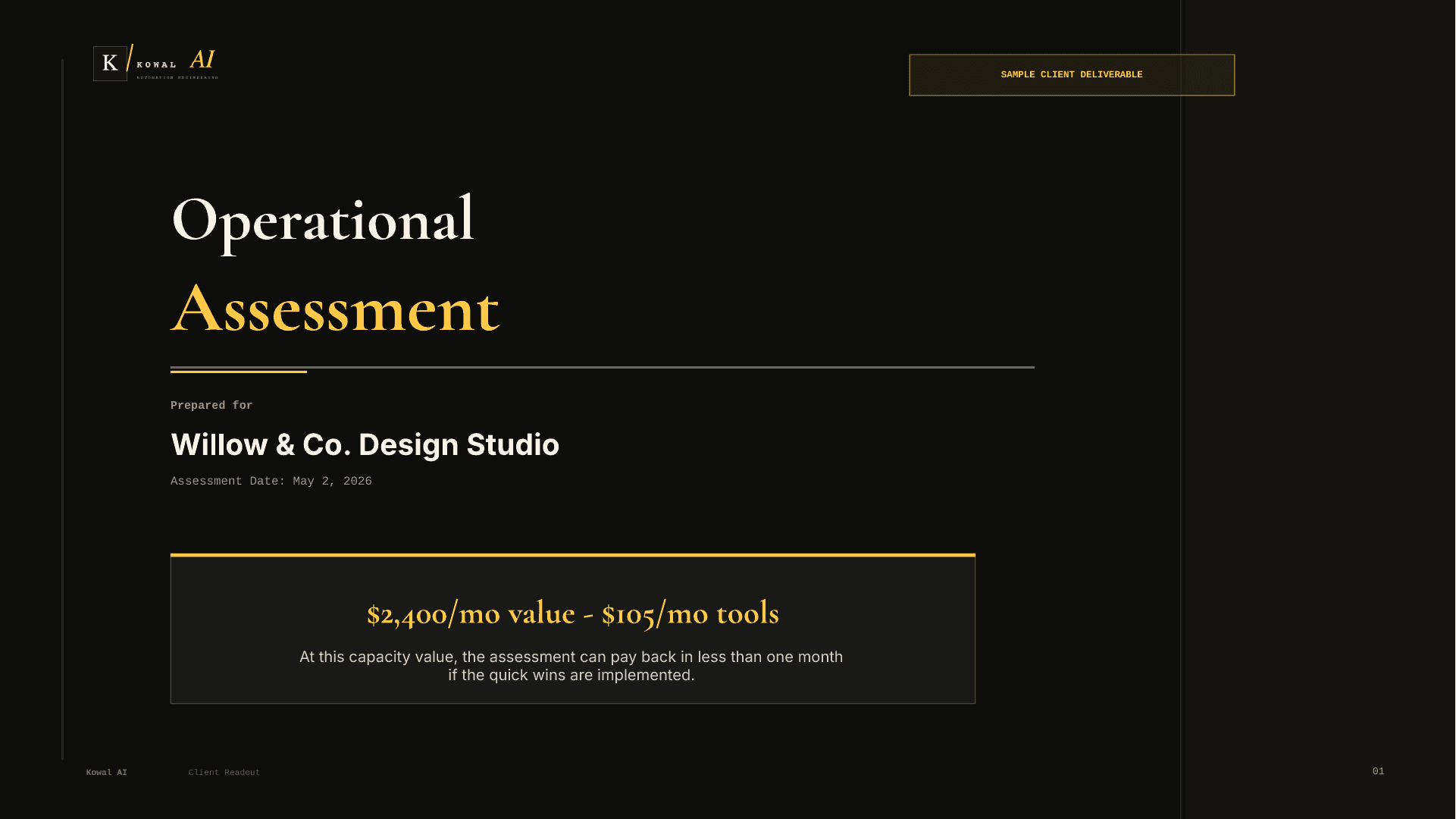
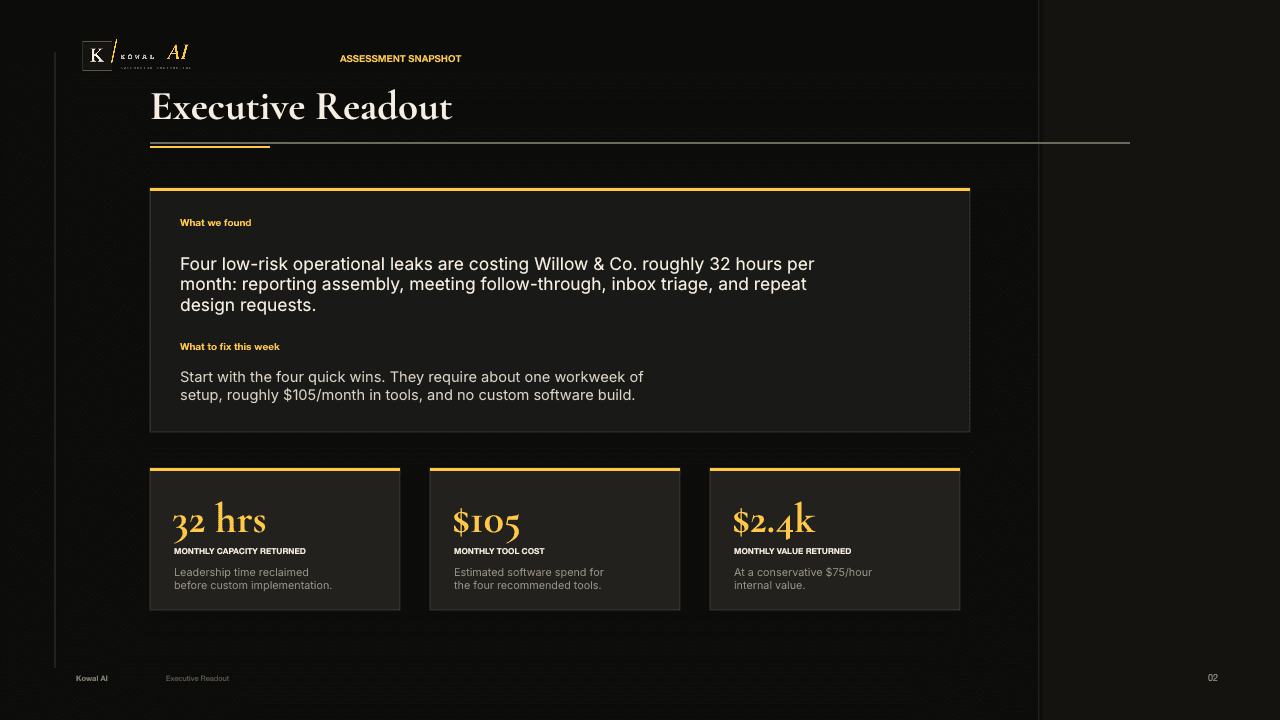
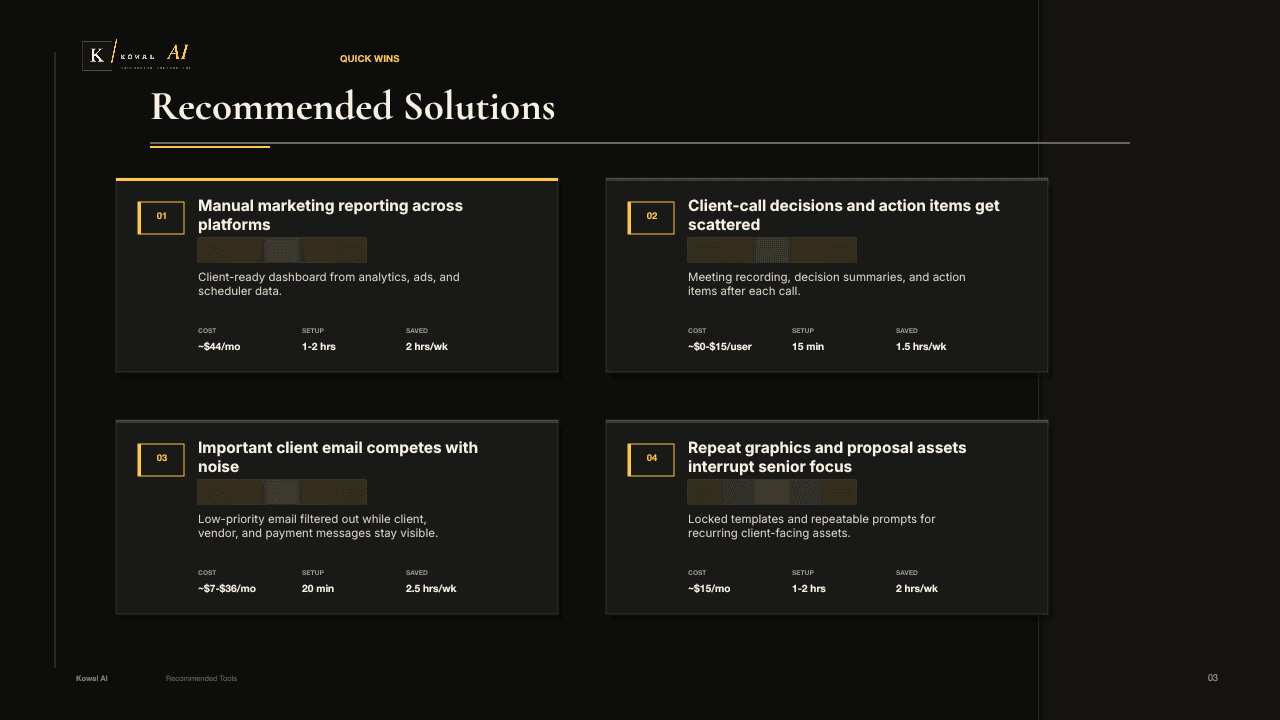
Sample report
Format sample only, not a client case study.
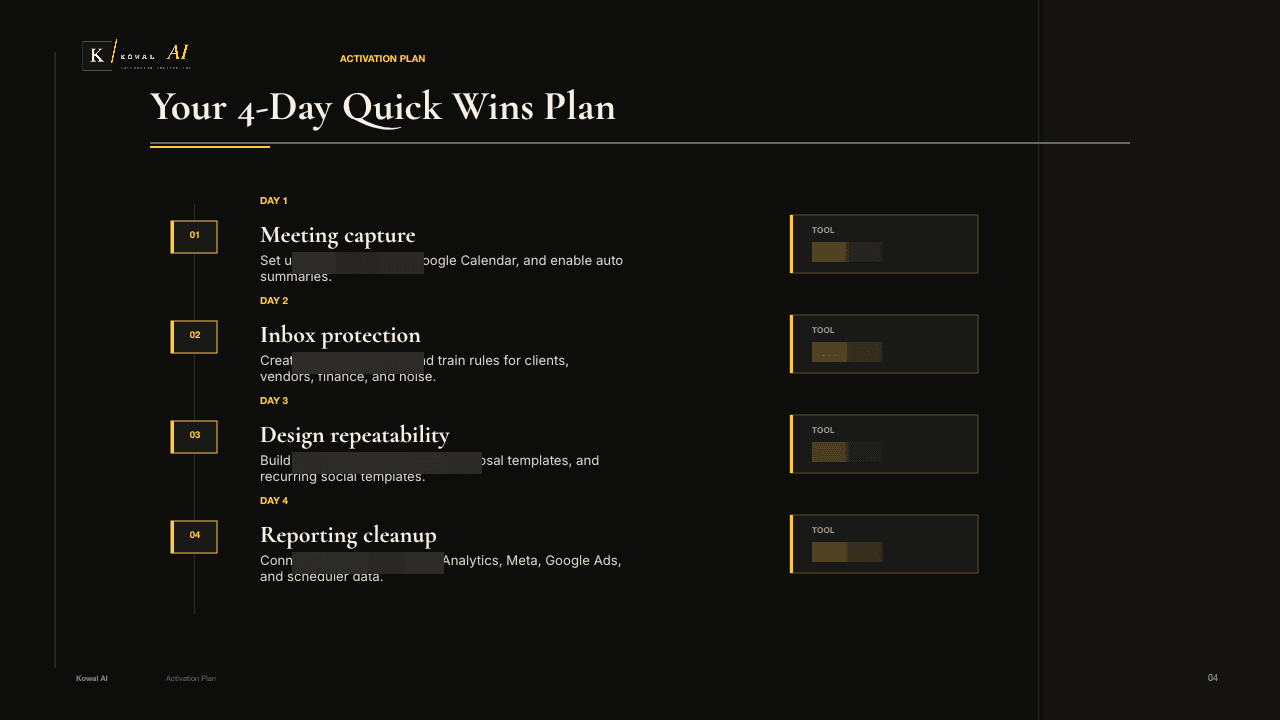
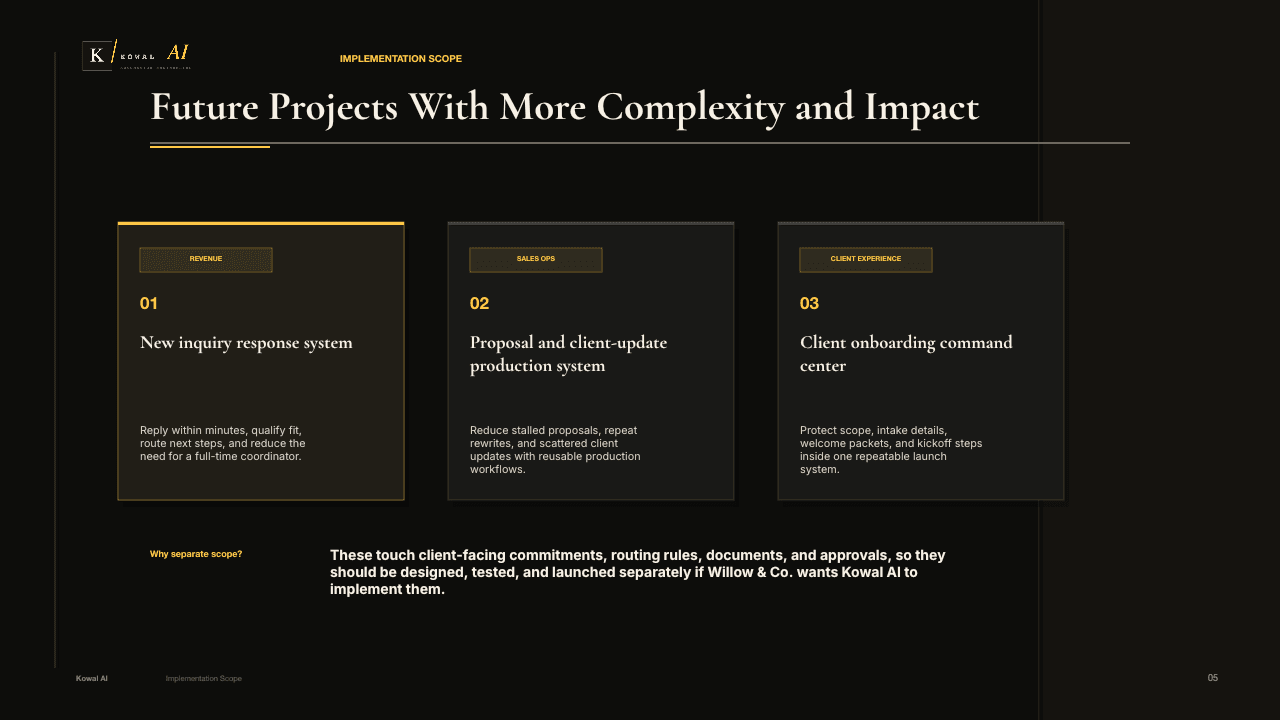
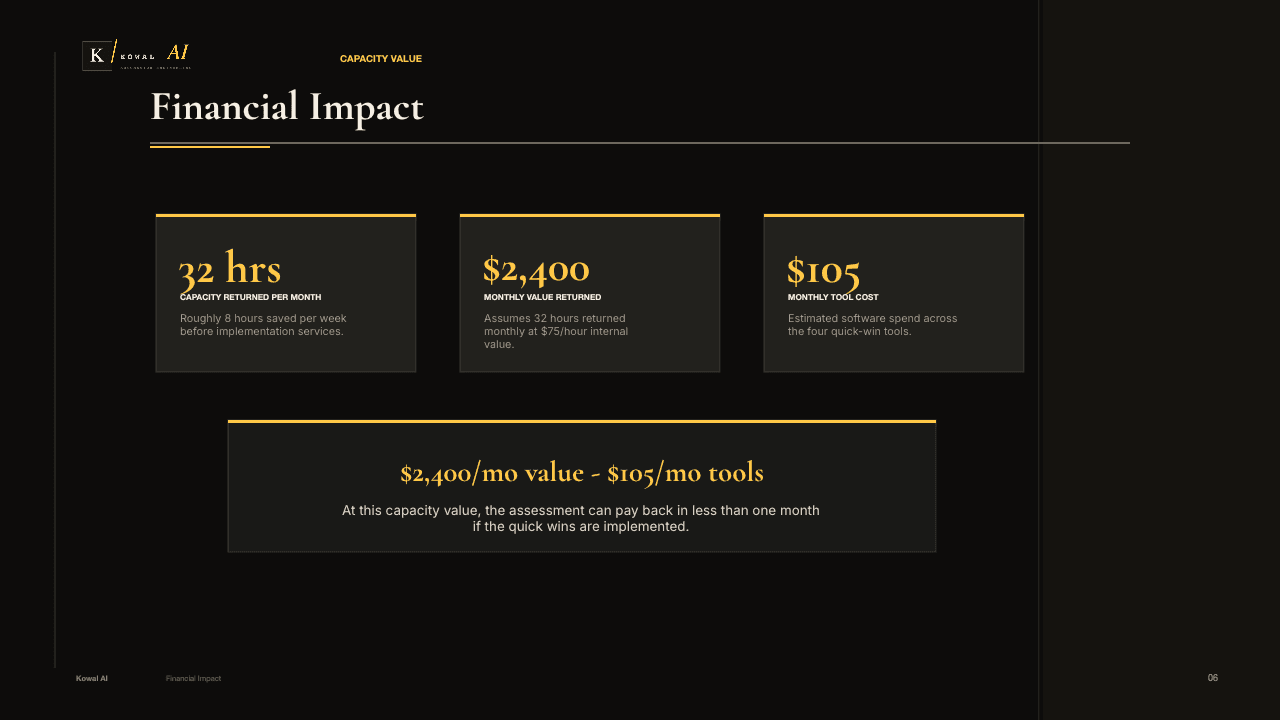
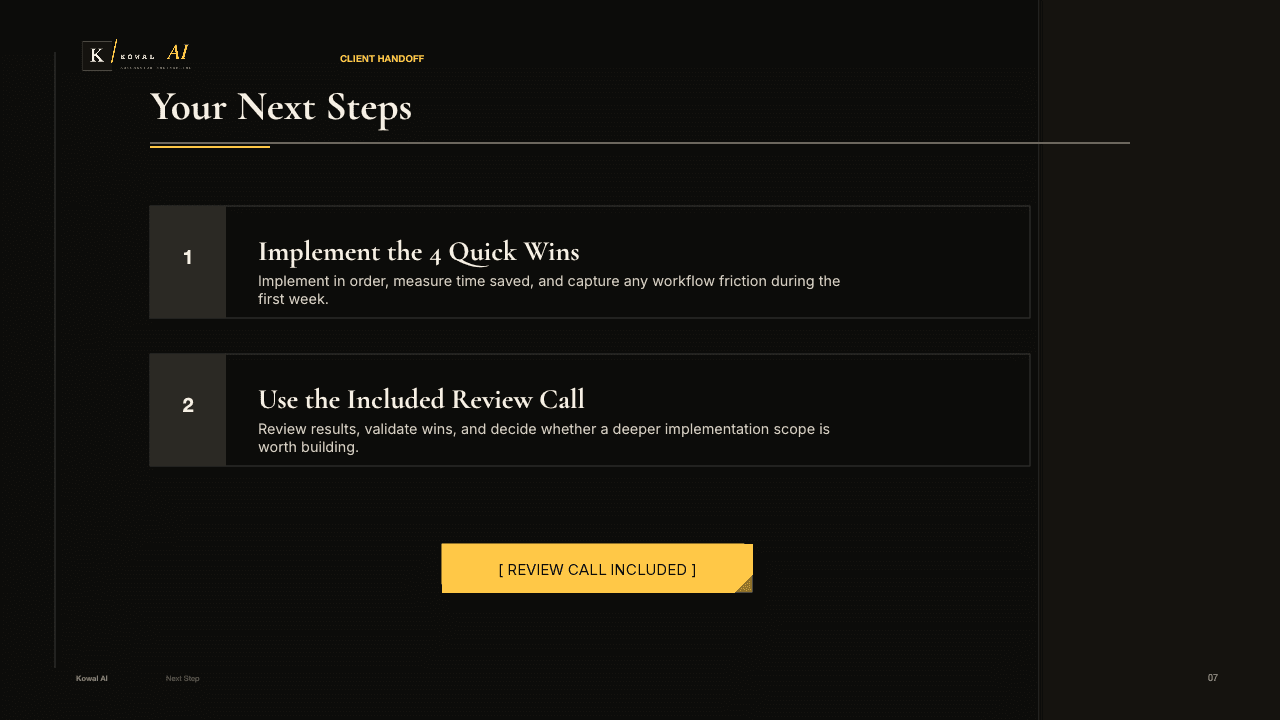
Workflow examples
These examples show the money-leaking patterns we are looking for: unanswered leads, stalled follow-up, manual reporting, noisy inboxes, inconsistent documents, and loose handoffs. The actual recommendations depend on the systems, roles, and constraints we uncover on the call.
Lead response
When someone fills out a form, calls, or emails, the system responds fast, asks the right questions, captures context, books the next step, and gives the owner a clean summary.
Follow-up
Route the lead, draft the reply, create the task, and keep the next step moving while the conversation is still warm.
Reporting
Pull data from spreadsheets, ads platforms, CRMs, and internal tools into a single view that updates without copy-paste work.
Operations
Classify messages, flag urgent items, filter noise, and prepare suggested responses while keeping a human in control.
Documents
Turn intake notes and customer details into consistent draft documents, checklists, emails, and handoff tasks for human review.
Handoffs
Extract commitments from calls and emails, assign owners, and remind the right person before a deadline slips.